
The report is the product you leave behind on the farm.
The farmer never sees your app. He sees the document he gets after the visit. That is what decides whether you are a contractor or an adviser.
Download sample PDF report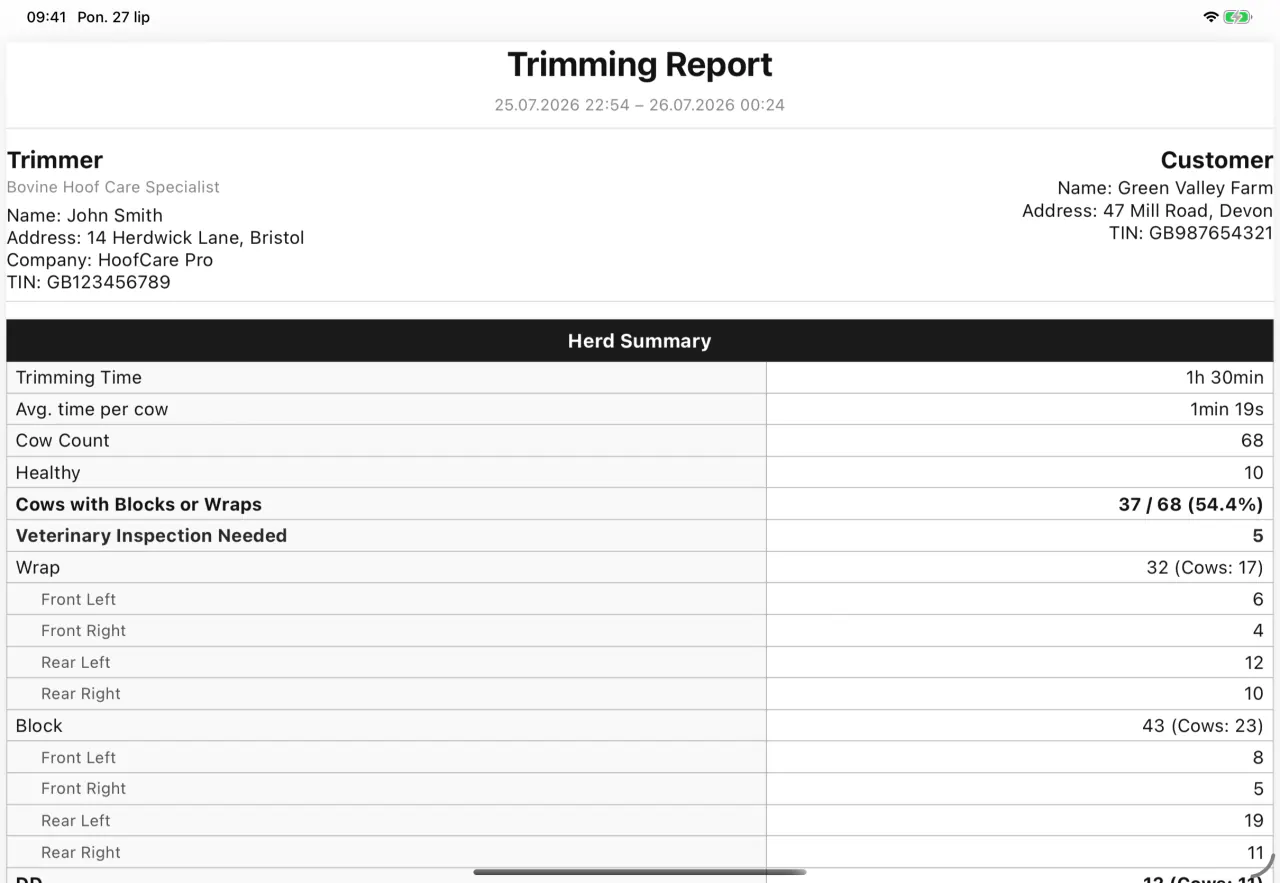
This is the whole report.
Drag sideways or scroll to see all three pages.
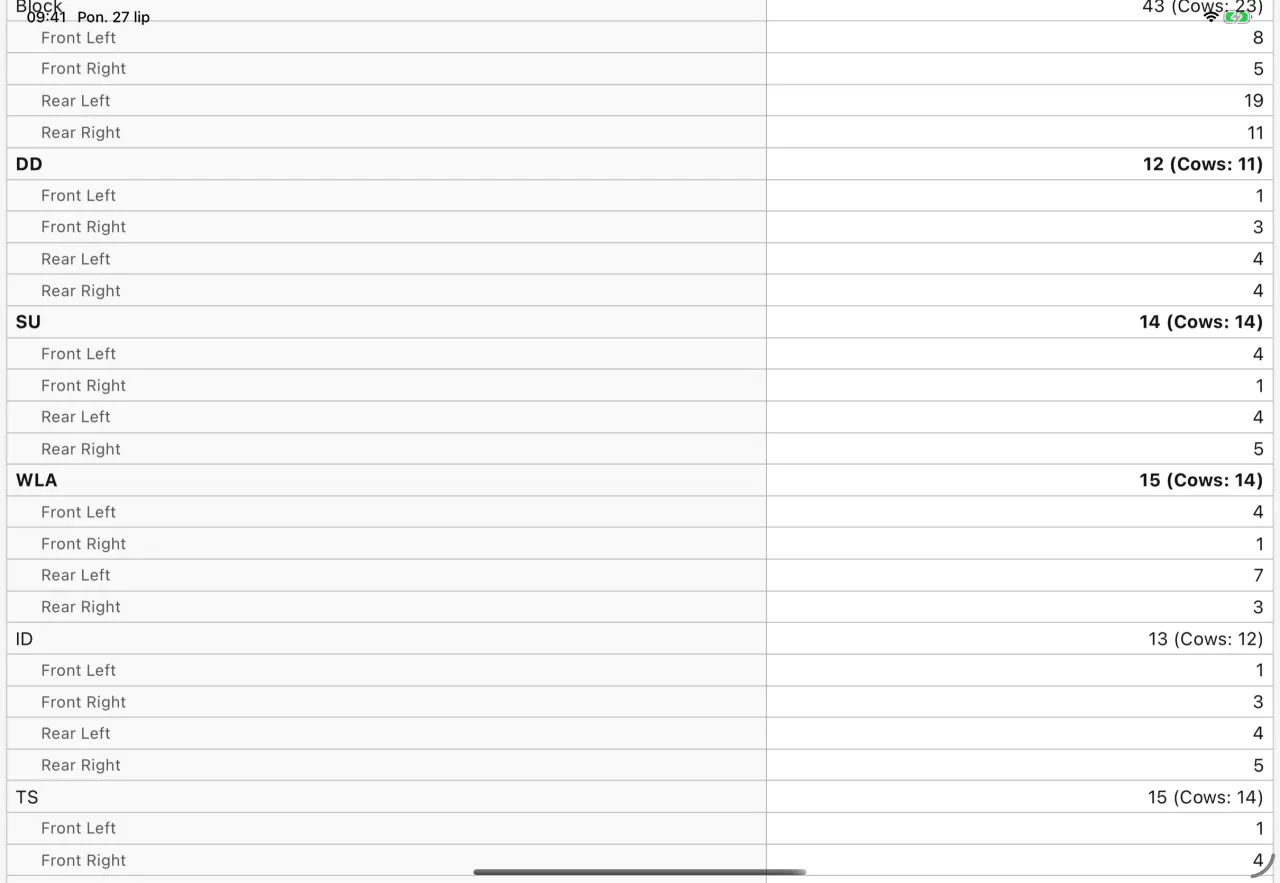
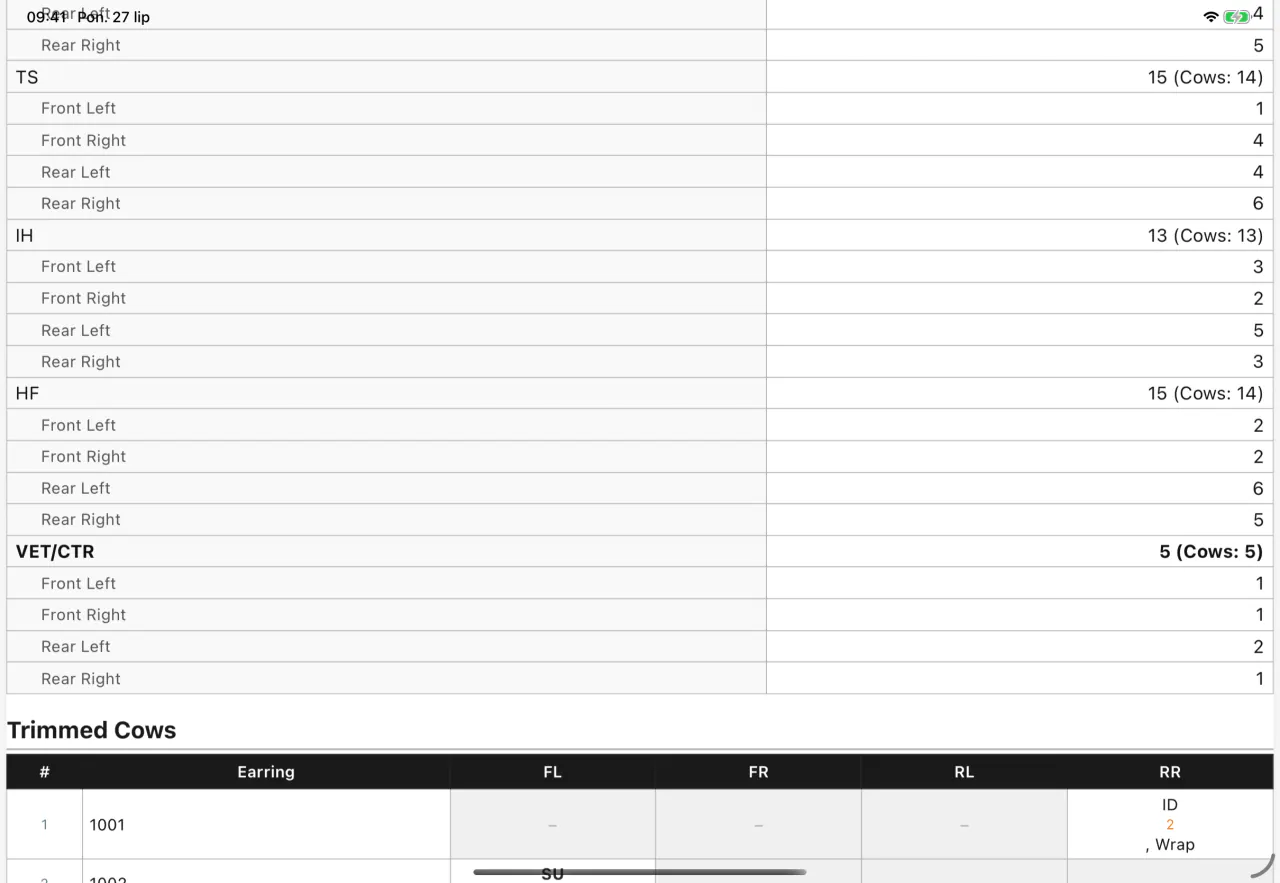
Nine sections, each switched on or off on its own.
The farmer gets one report, the vet another, and a third goes into your own records. Untick whatever that case does not need.
Two themes and your logo.
The same data, two ways of presenting it. You choose once in settings and forget about it.
Upload your company logo once and it appears in the header of every report after that.
The same report, ten languages, one setting.
Below is the same first page generated in the ten languages we have captures for. The app supports fourteen.
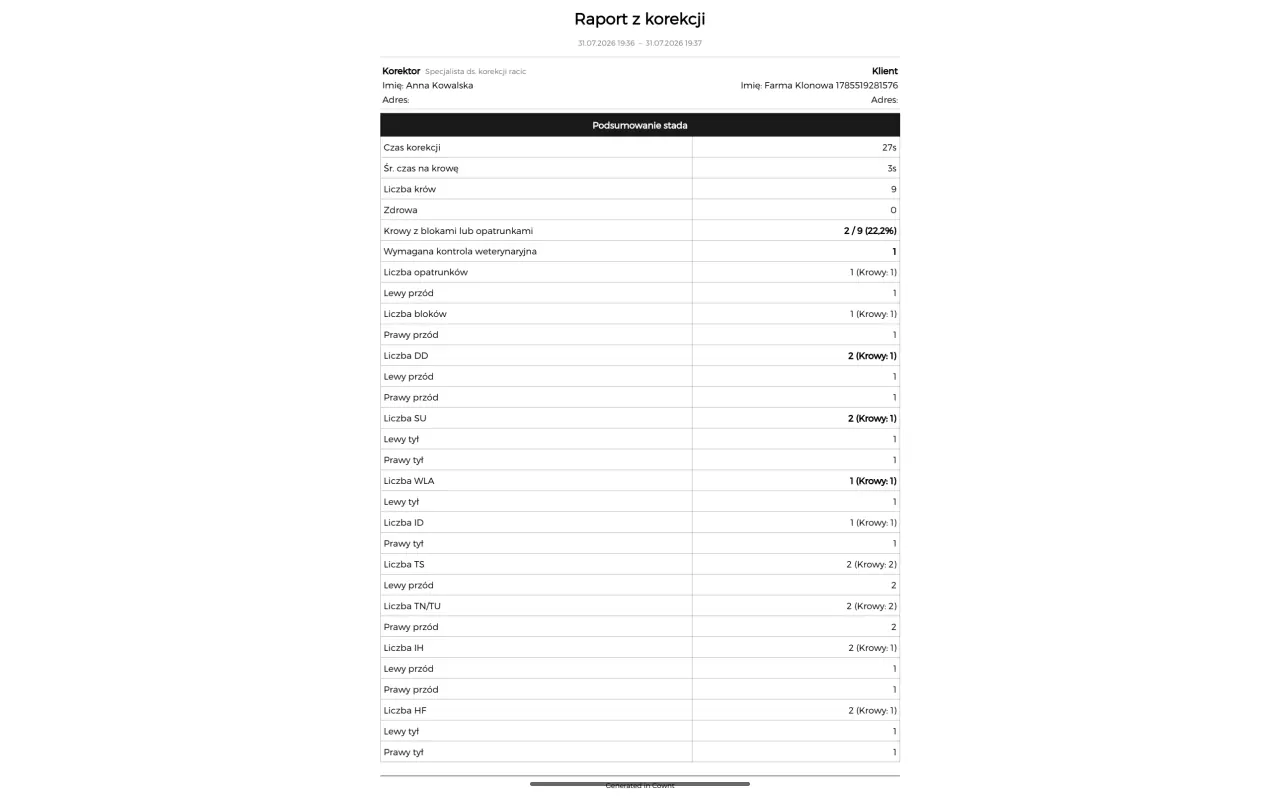
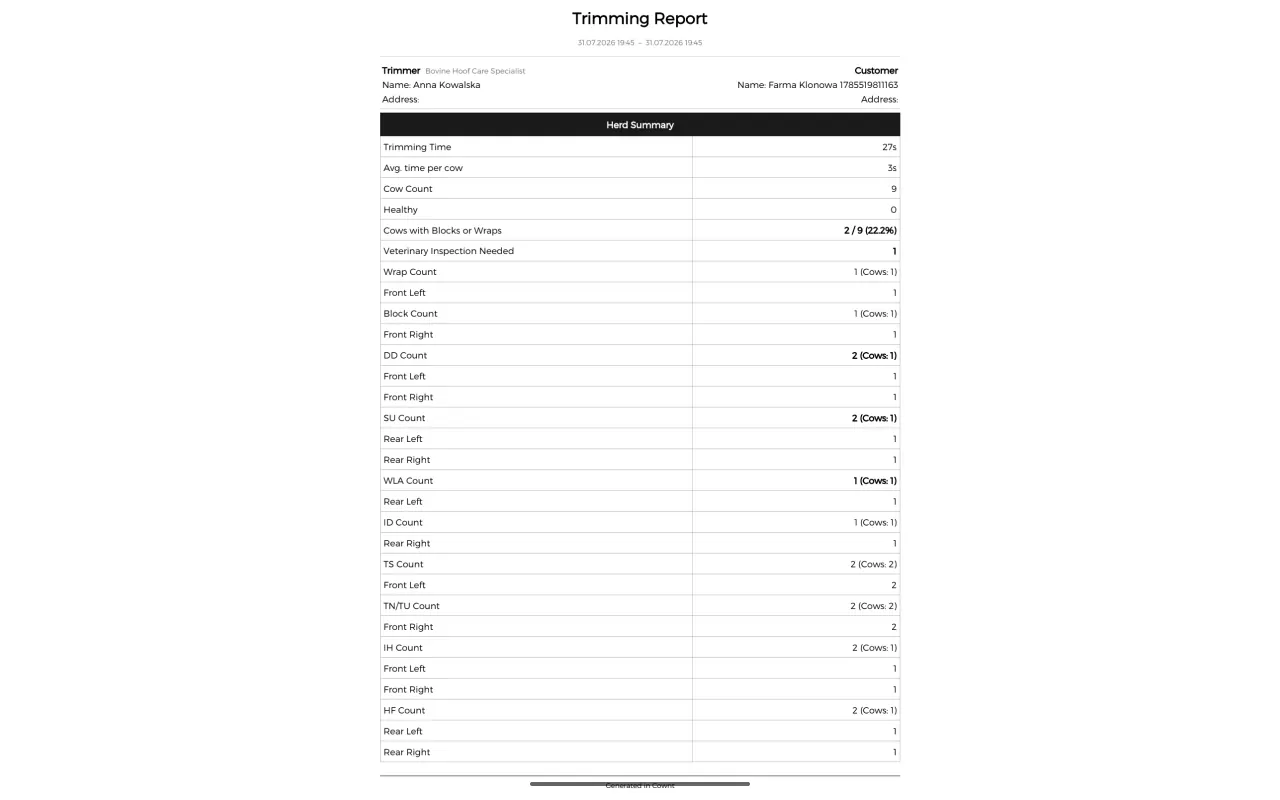
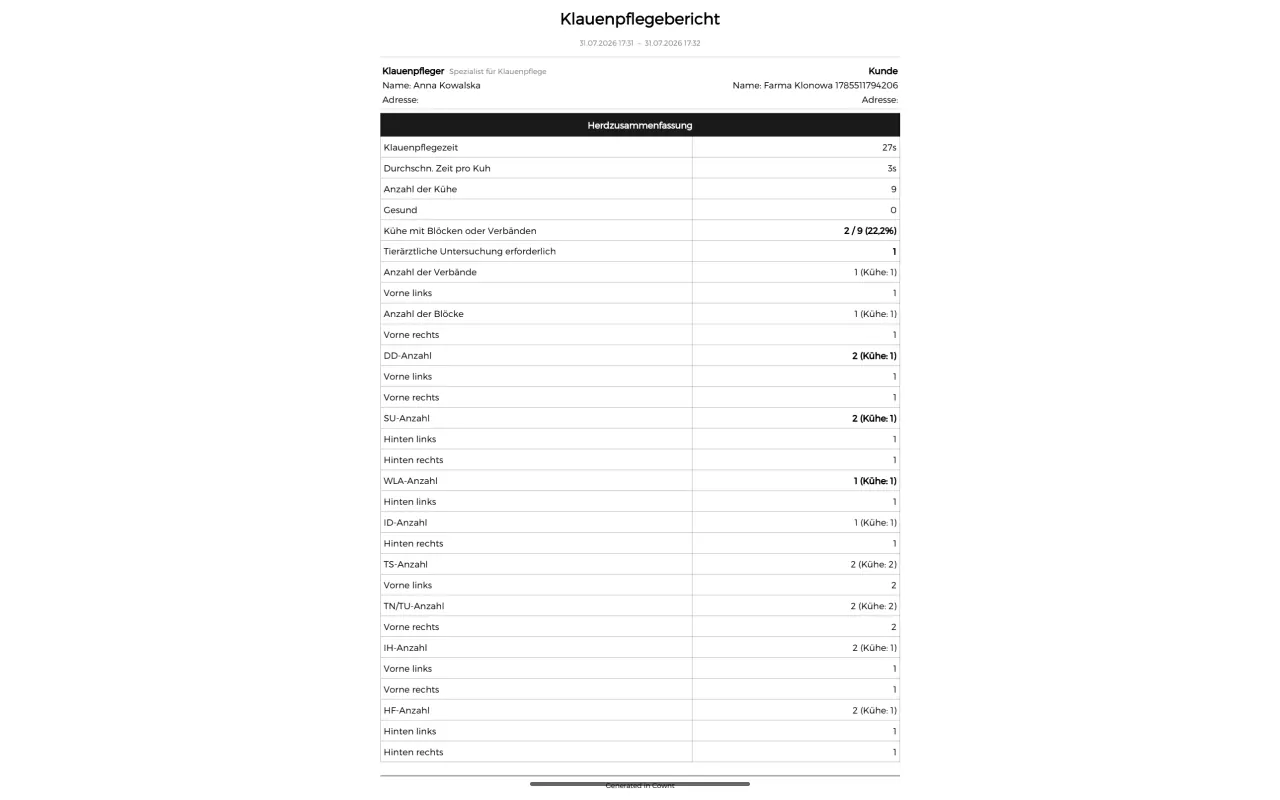
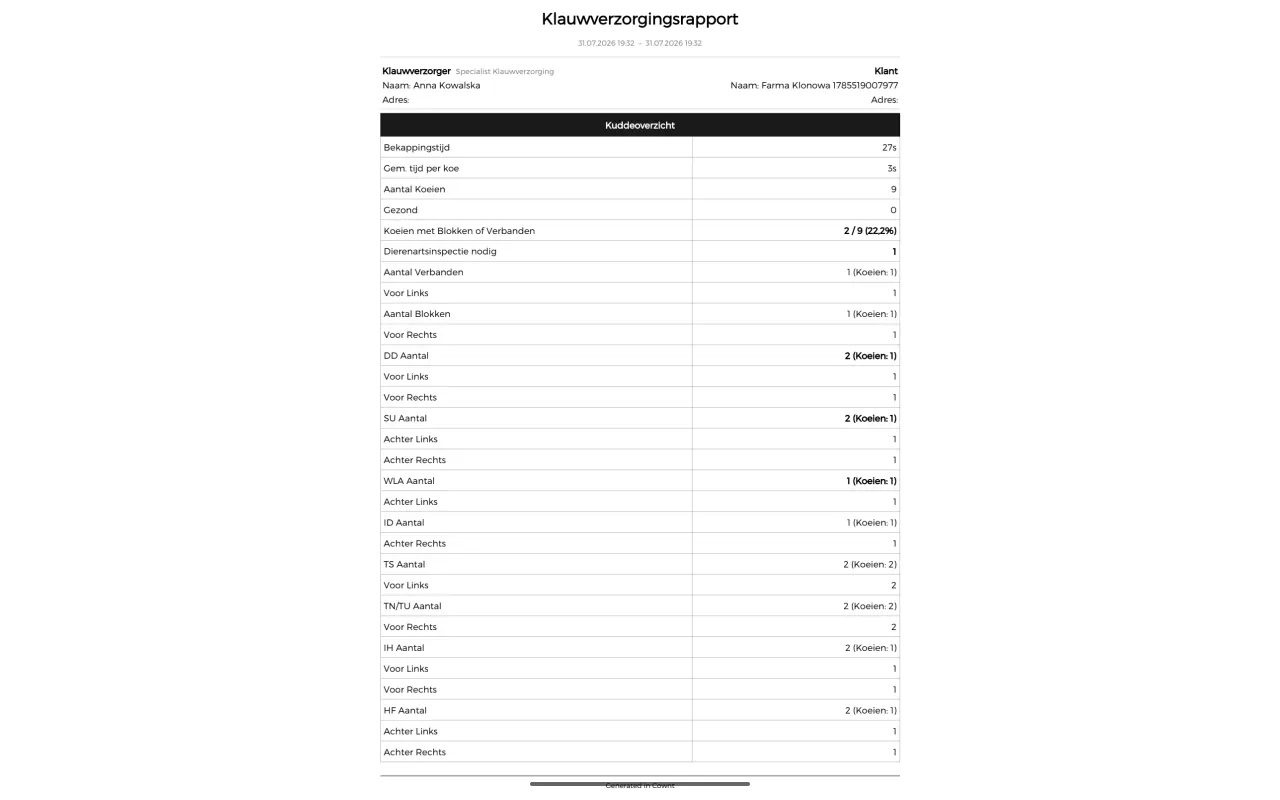
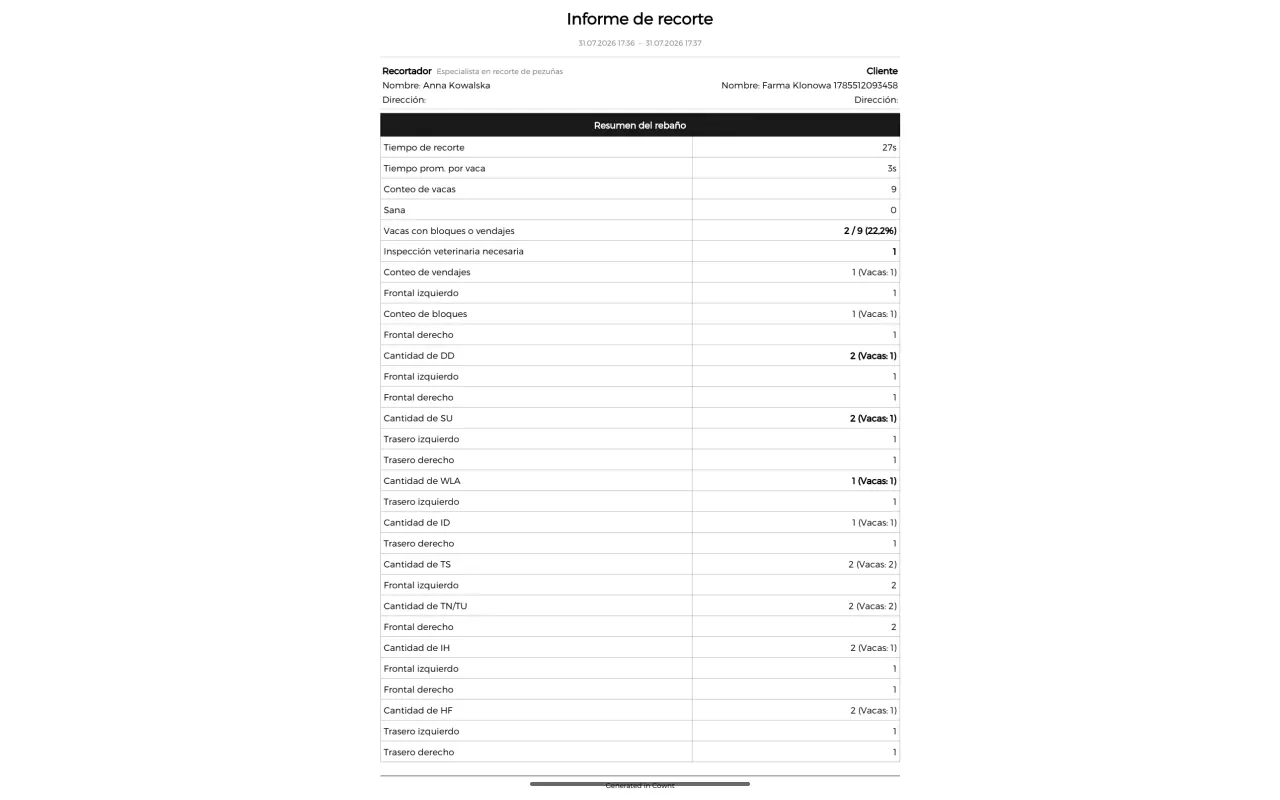
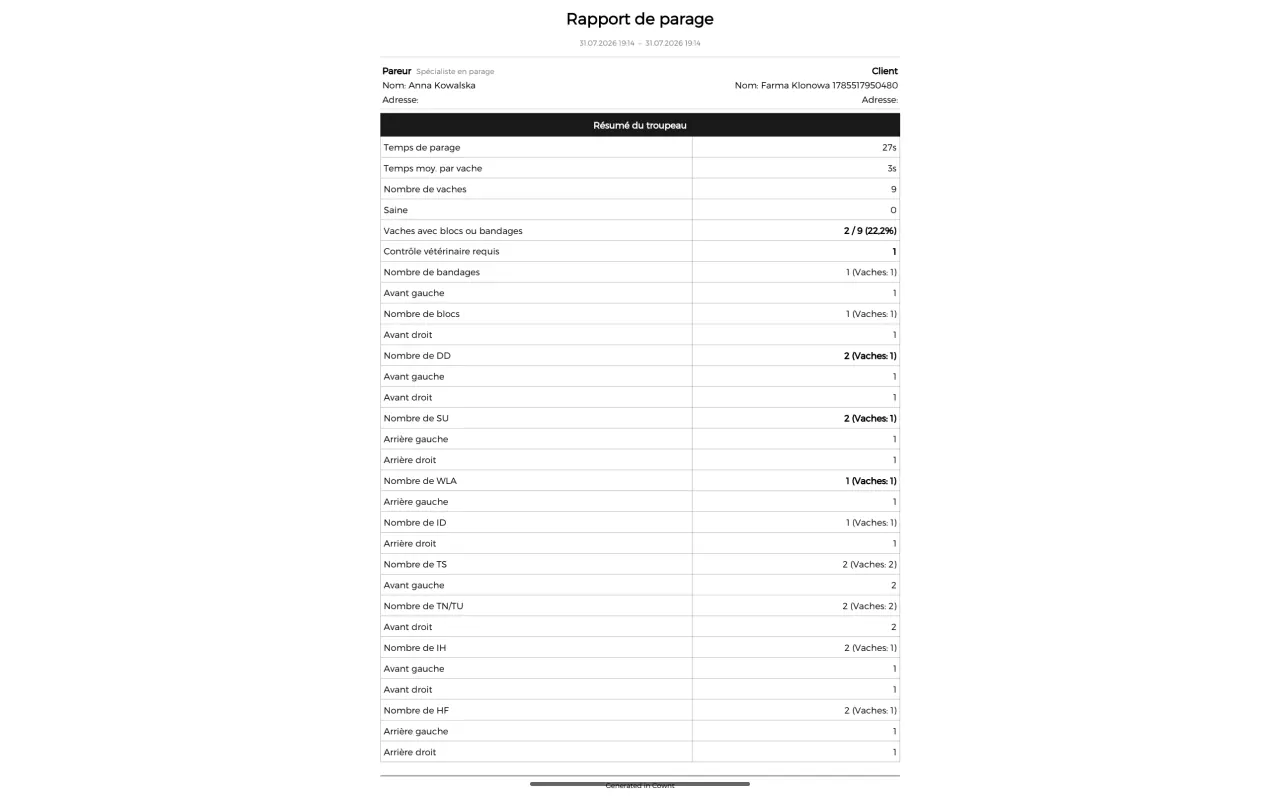
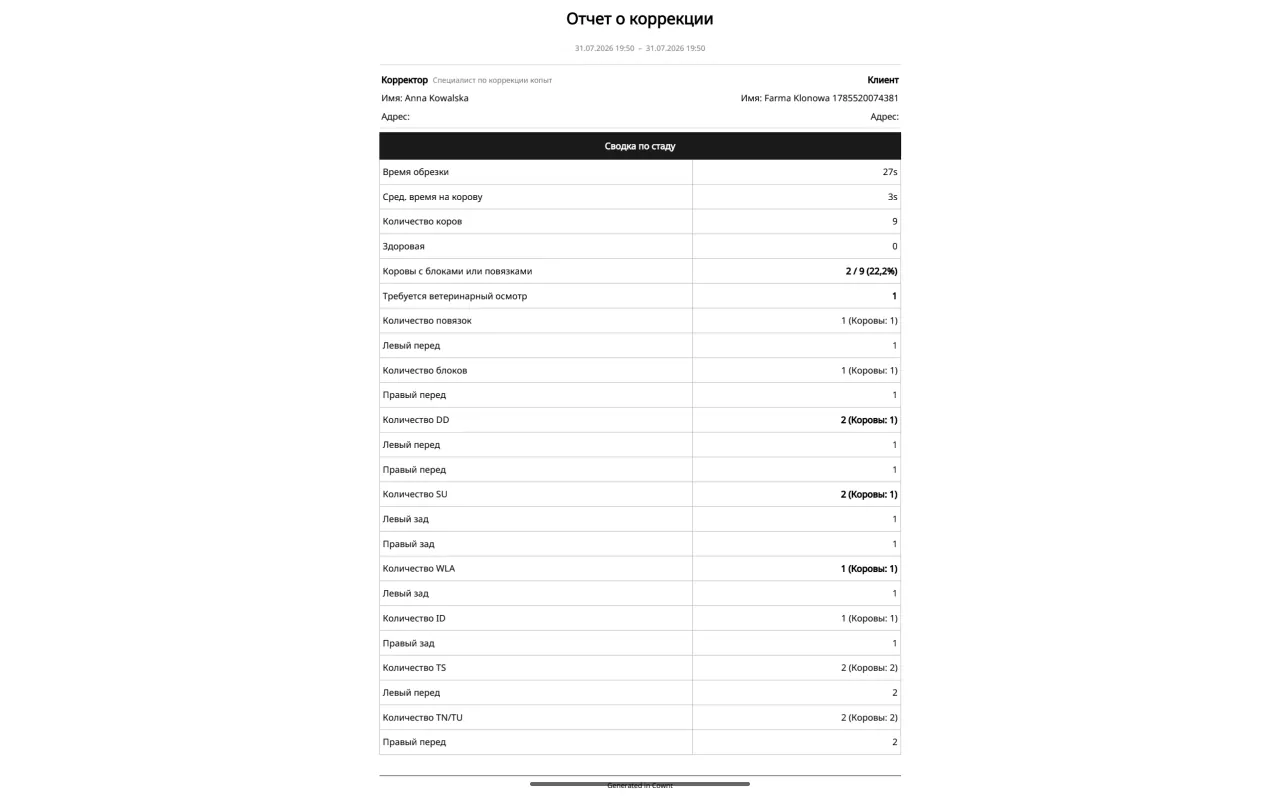
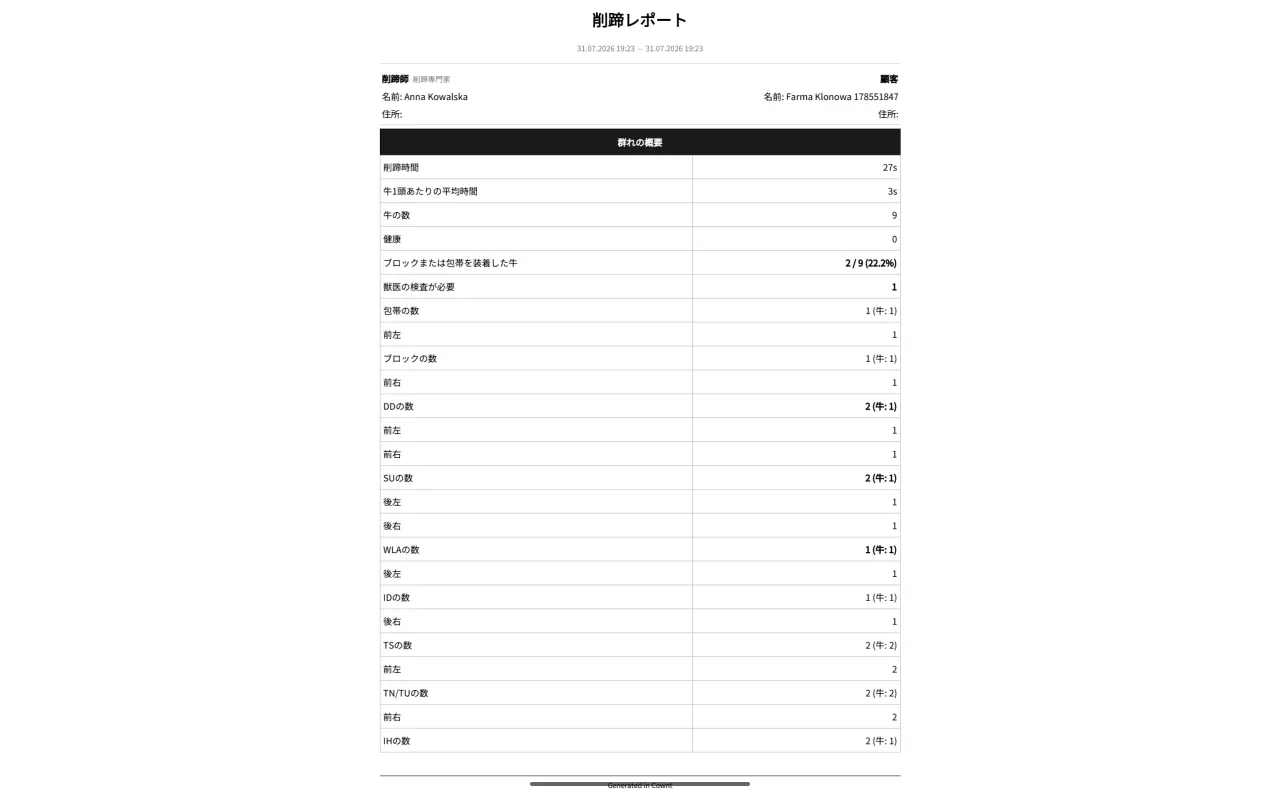
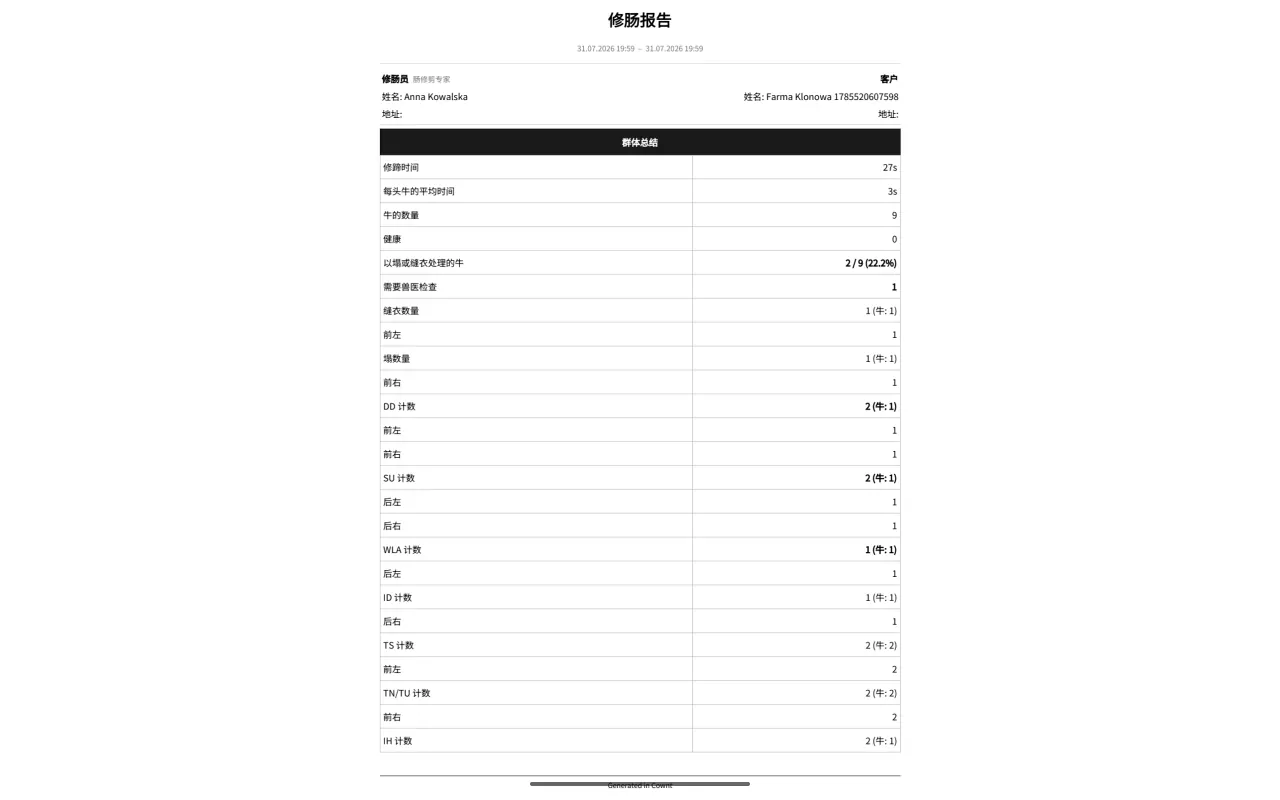
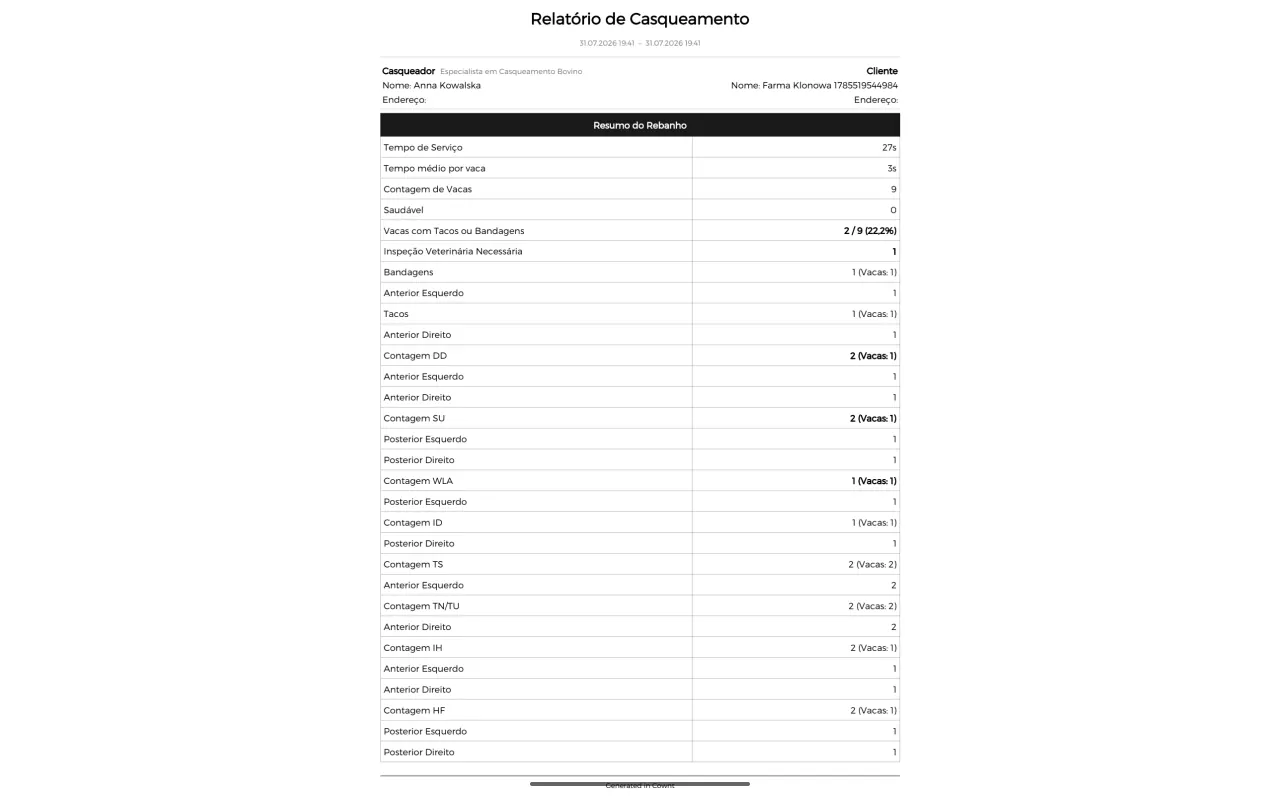
The report language is a setting separate from the interface language. You do not have to switch the whole app to hand over a German document.
Not every farmer wants a PDF.
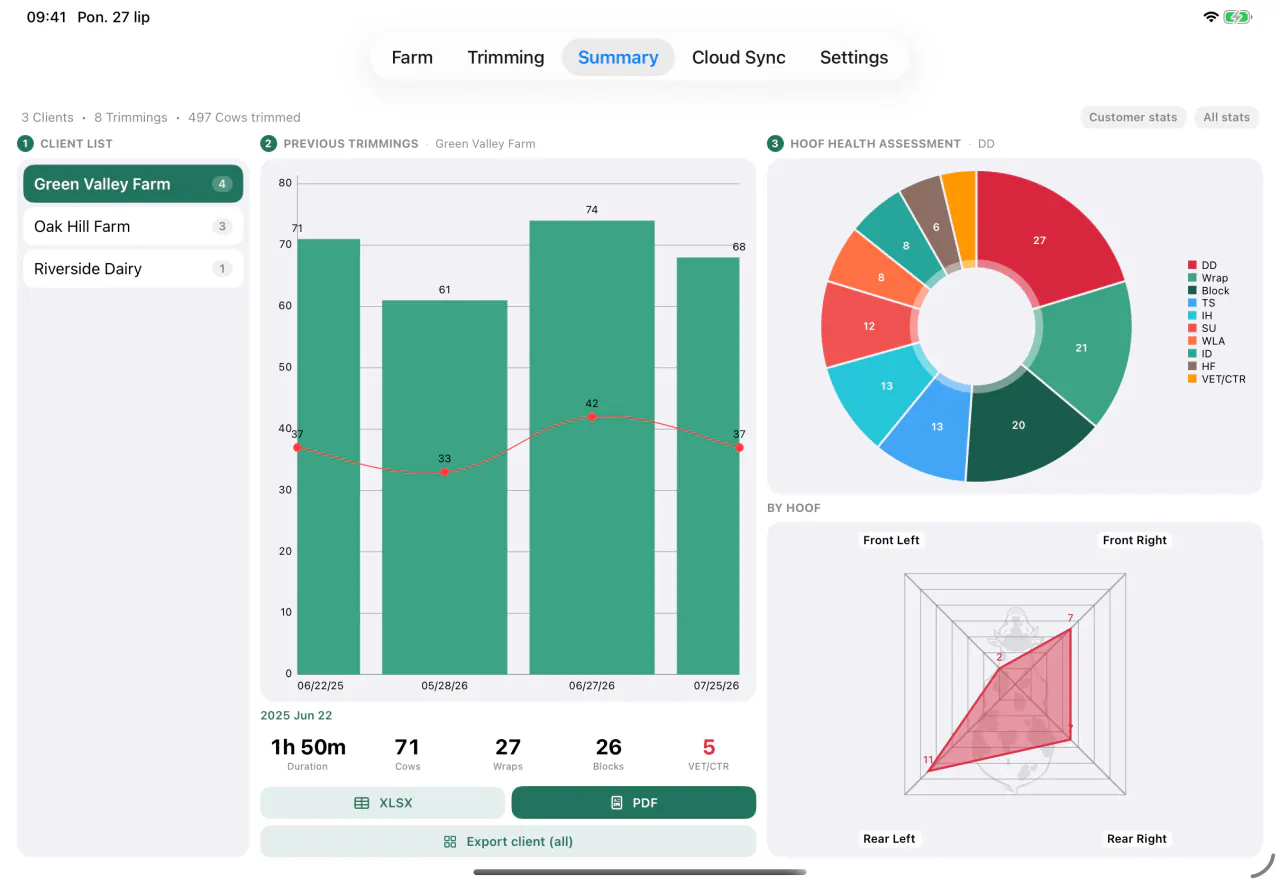
The same data exports to XLSX for the bookkeeper, or for the herd manager who runs their own numbers.
- Export a single visit to XLSX with one button.
- Export every visit for a given client into one sheet.
- A merged report across several sessions, optionally grouped by farm.
- If a session cannot be fetched, the report says which one instead of quietly dropping it.
The invoice you do not work out on paper in the evening.
Cownt knows the rates a trimmer actually charges. It is not one price per cow multiplied by a headcount.
- A call-out fee added once per visit.
- A per-cow rate split by barn type: a tie-stall and a free-stall are different work.
- Tiered wrap pricing: the first bandage is priced differently from each additional one.
- Blocks, dehorning and tail clipping as separate line items.
- A difficult-case surcharge, and a discount as either an amount or a percentage.
- Configurable VAT rate and currency; rates can be overridden for one visit without touching your defaults.
An example visit
| Call-out | $40.00 |
|---|---|
| Trimming 68 cows · free-stall | $680.00 |
| Blocks · 43 | $215.00 |
| Wraps · 32 (tiered) | $120.00 |
| Dehorning and tail clipping | $55.00 |
| Regular-customer discount −5% | −$55.50 |
| Net | $1,054.50 |
| Tax 20% | $210.90 |
| Gross | $1,265.40 |
Illustrative figures showing how the calculator works. These are not Cownt’s prices, nor a suggested rate card.
A report both parties sign on the glass.
When the visit ends, trimmer and farmer sign with a finger on the screen. Both signatures go into the PDF along with a confirmation-of-service clause.
That turns the report from a note into a record of work performed. If the scope is ever disputed, you have the farmer’s dated signature rather than your own recollection.
Sent without leaving the app.
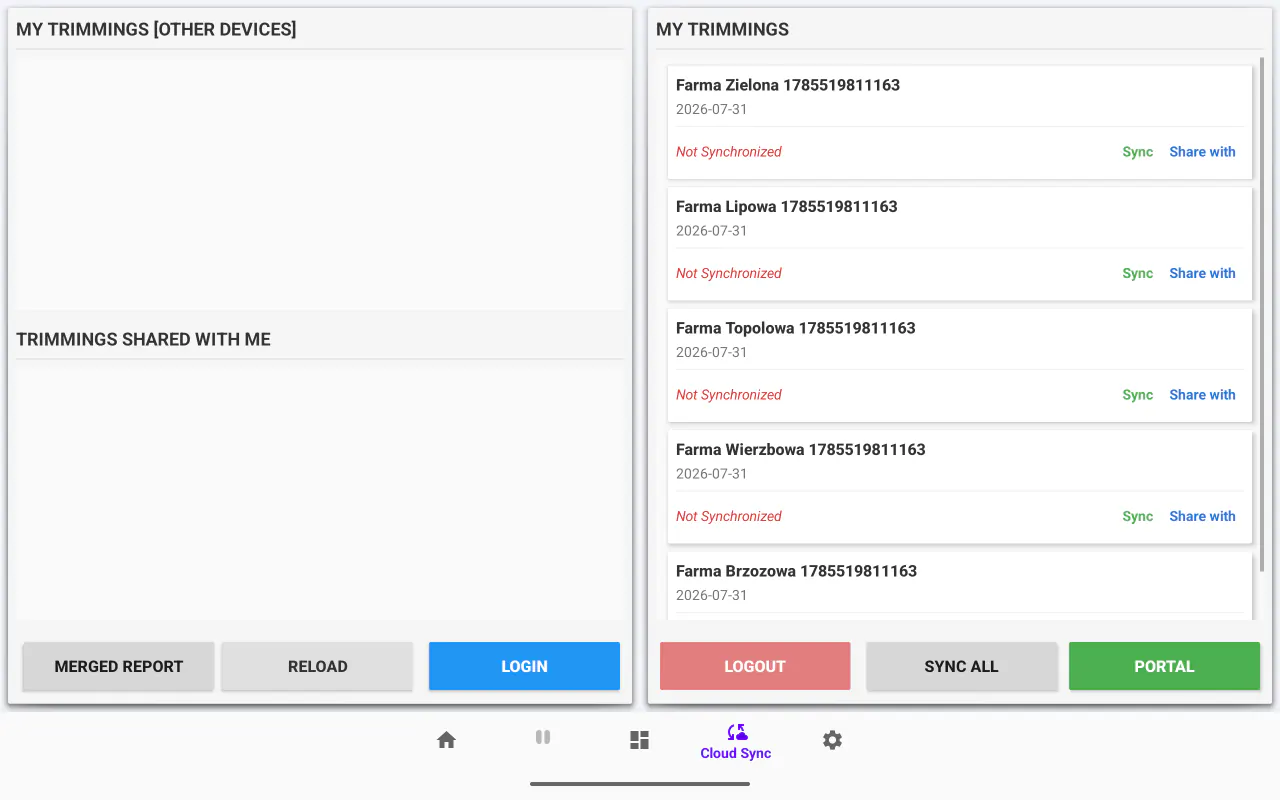
You do not move the file to a computer and you do not hunt for the address in your phone. The report leaves from the device it was made on.
- Emailed straight from the app, the moment the session ends.
- A default recipient list that receives every new report automatically.
- Shared with the farm or the vet by email, with nothing to install on their side.
- The farmer can also sign in at portal.cownt.app and see the full history of the herd.
See the report on your own data.
Five days of the full version. Do one real session and generate the document you would hand the farmer.
See every screen in the app